Home/Absence and calendar
 Absence and calendar

Time off that runs itself.

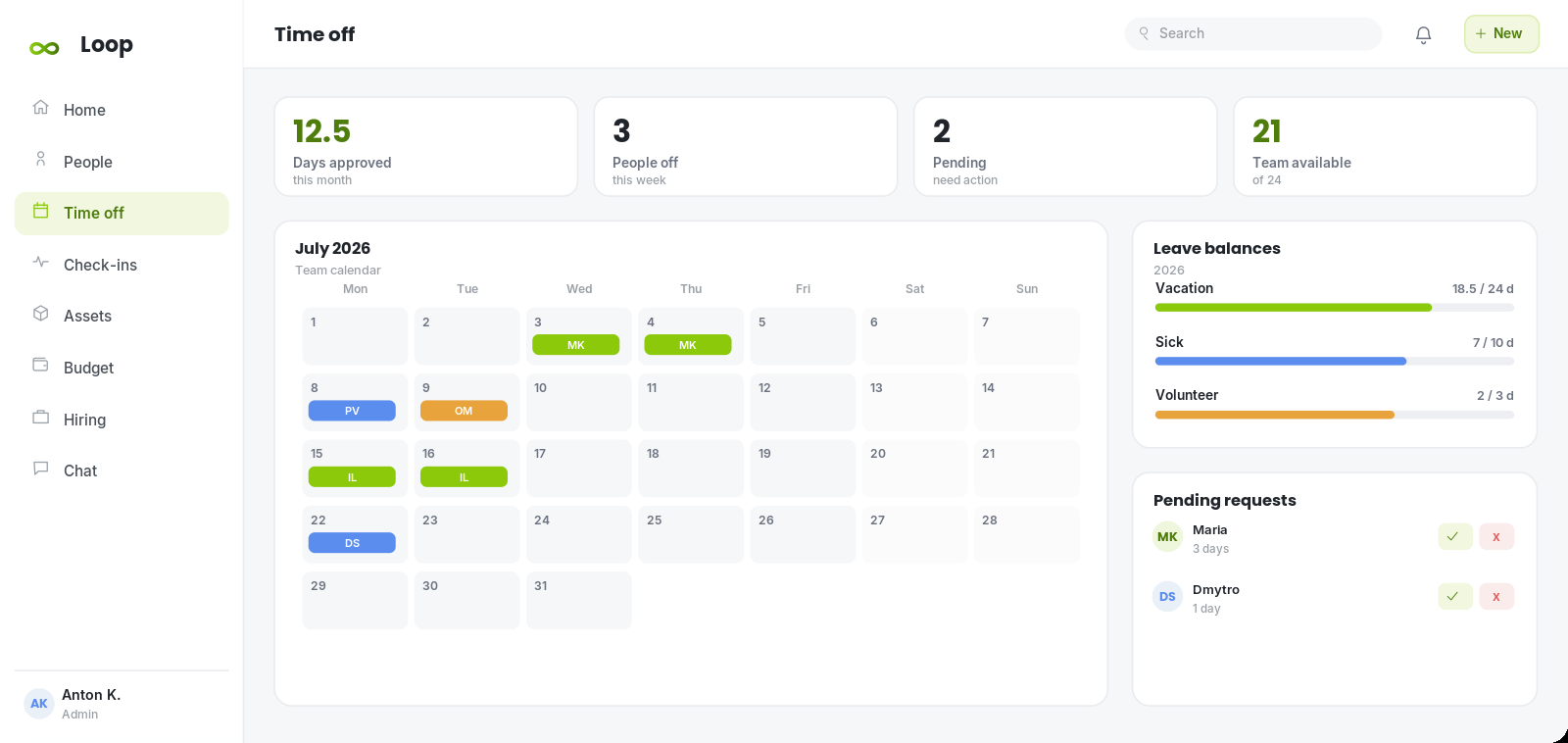
Requests, approvals, balances and a shared calendar in one place. Everyone can see who is off, and nobody has to chase a spreadsheet to book a day.

Absence and Calendar Management in Kolo
How it works

From request to approved in two taps

Employees request leave and watch their balance update instantly. Managers approve in a click and get an automatic email. The team calendar keeps everyone aligned, so coverage is never a surprise.

  • Self service leave requests with live balances
  • One click approvals with email notifications
  • Multiple leave types: vacation, sick, unpaid and custom
  • Shared team calendar and who is off this week
  • Public holidays and per person allowances
Absence and calendar view in Kolo
Highlights

Built to make absence and calendar effortless

No more spreadsheets

Balances, accruals and history are tracked automatically.

Full visibility

A shared calendar shows coverage before you approve a day off.

Approvals in seconds

Managers act from an email or the dashboard, wherever they are.

FAQ

Questions about absence and calendar

Can I set different allowances per person?
Yes. Allowances, leave types and accrual rules can be configured per person or team.
Do approvers get notified?
Approvers receive an email the moment a request is submitted, and the requester is notified on a decision.
Can we track sick leave separately?
Kolo supports vacation, sick, unpaid and fully custom leave types, each with its own balance.

Bring your whole team into one platform.

Start today, no credit card required. Set Kolo up in an afternoon and give everyone a single place to work.